How to Check Android Storage Before It Is Full
You can prevent emergency cleanup by checking storage regularly and watching the categories that grow fastest.
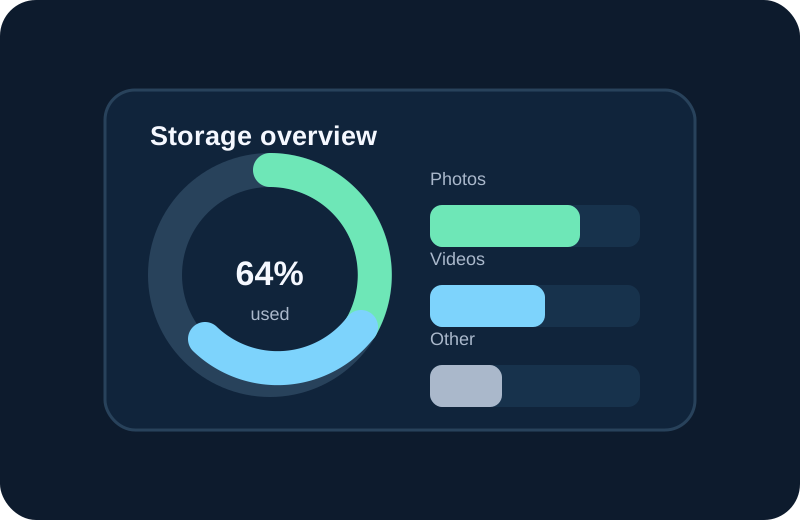
Check storage once a month
Open Android settings and review available space. You do not need to wait until the phone shows a warning.
Identify the fastest-growing category
Photos, videos, downloads and app data can behave differently. Knowing which category is growing helps you choose the right cleanup method.
Review media by size
Large files are often the fastest way to recover space. Start with files you recognize and no longer need.
Use storage analysis as a map
A storage analyzer can make categories easier to understand. It should help you locate files rather than simply telling you to delete everything.
Leave room for normal phone operation
Avoid filling storage to the absolute limit. Keeping some free space makes it easier to take new photos, download updates and save temporary files.