How to Find Large Photos and Videos on Android
A few large videos can consume more storage than hundreds of ordinary photos. Finding them first can make a cleanup much more effective.
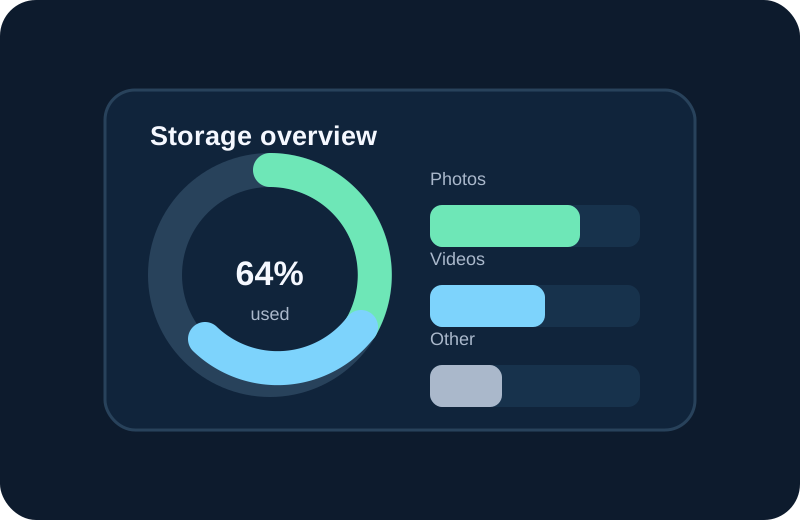
Sort by size when possible
Open your phone storage manager or a trusted file manager and look for size information. Start with the largest files, then decide whether each one is important.
Check long videos
Long recordings, screen recordings and downloaded clips can become large quickly. Watch enough of a video to identify it before removing it. A file name alone may not tell you what the video contains.
Look at messaging media
Messaging apps can create many copies of videos and images. Review the folders or categories exposed by your device and remove only files you recognize.
Consider compression
If a large photo is worth keeping, compression may reduce its storage footprint without deleting the memory. Test the output quality before using compression on a large group.
Keep backups of valuable recordings
Family videos, work recordings and travel footage can be difficult or impossible to replace. Back them up before a major cleanup.
Use a dedicated large-file finder
The Free AI Photo Cleaner Play listing says its Large Photo Finder identifies large images that take up valuable storage space.